How to Host an Almost Free Blog Site
I wanted a blog that I actually owned. Not a Medium profile or a Dev.to account, but something on my terms.
Platforms like those are convenient, but they control the layout, the distribution, and sometimes even the visibility of your writing. If the platform changes its rules, your content is affected.
But running a full server for a personal blog always felt like overkill. Hosting costs money, servers need maintenance, and configuring everything properly takes time.
So I looked for a simpler approach: something inexpensive, easy to maintain, and fully under my control.
Here’s the setup I ended up with.
Hosting: GitHub Pages
I chose GitHub Pages for hosting.
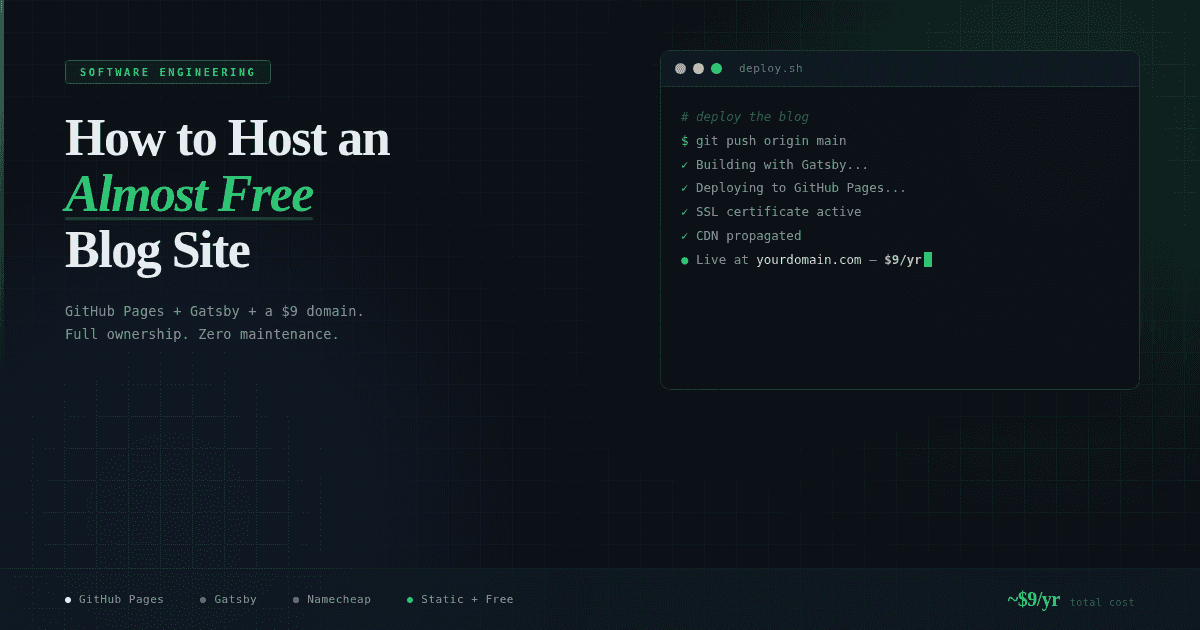
It’s free and works directly with a GitHub repository. Whenever I push changes to the main branch, the site rebuilds and updates automatically. GitHub Actions handles the build process, HTTPS is included, and the content is distributed through a CDN.
That means:
- No server to configure
- No infrastructure to maintain
- No deployment scripts to manage
Everything lives in a Git repository, which also means every change is version-controlled. If I make a mistake or want to review an older version of a post, I can simply check the commit history.
The main limitation is that GitHub Pages only supports static sites. There’s no server-side logic or databases.
For a blog, that’s perfectly fine. Blog posts are mostly static content anyway.
Site Generator: Gatsby
To generate the site itself, I used Gatsby.
Gatsby is a static site generator built on React. Since I have experience working with React, using Gatsby meant the learning curve wasn’t too steep. I could focus on writing instead of learning a new framework.
Posts are written in Markdown files. Each article lives as a file in the repository, usually inside a posts directory.
A typical workflow looks like this:
- Create a new Markdown file.
- Write the post.
- Commit and push to GitHub.
- GitHub Pages rebuilds and publishes the site.
There’s no CMS, no dashboard, and no rich text editor. Everything happens inside a code editor.
For someone already comfortable with Git and Markdown, this workflow is simple and fast.
For the design, I started with a minimal Gatsby starter theme. The goal was to keep the layout clean and focused on the writing. No sidebars, no ads, no popups. Just content.
DNS: Namecheap
The only real cost in this setup is the domain name.
I registered the domain through Namecheap. Domain prices typically range between $9 and $12 per year, depending on the extension.
After purchasing the domain, the configuration is straightforward:
- Point the domain’s DNS records to GitHub Pages.
- Add the domain to the repository settings.
- Enable HTTPS.
Once configured, the site is accessible through your custom domain instead of the default GitHub Pages URL.
Total Cost
Most of the stack is completely free.
- GitHub Pages: free hosting
- Gatsby: open source
- Starter theme: open source
The only expense is the domain name.
That puts the total cost of running the blog at roughly $9–$12 per year.
For that price, the blog is:
- Fast (static files served through a CDN)
- Secure (automatic HTTPS)
- Version-controlled (everything stored in Git)
- Fully owned and portable
A simple setup that does exactly what a personal blog needs. ✌️